
CASE STUDY / 02
PHOTOSHOP AI
A visual case study of AI-assisted painting edits
Original artwork
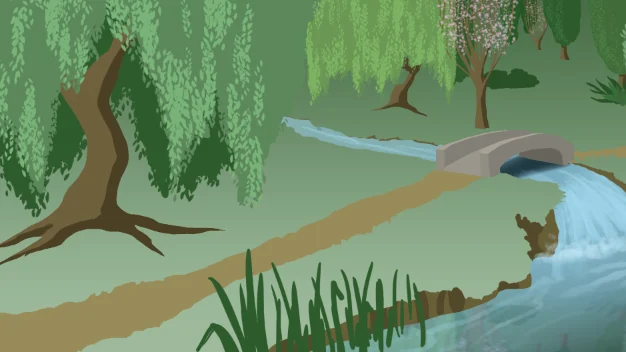
Painting Refinement
- PromptComplete the painting by correcting perspective, refining color and texture, and improving lighting. Preserve the existing composition, palette, style, and original design except where perspective corrections are necessary.
Firefly Image 510 credits
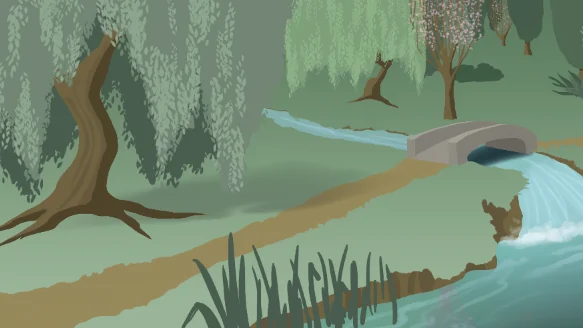
Mostly desaturated the colors, reduced reflections, and added some shadows. Limited improvement; the original is a better starting point.
ChatGPT Image 2.5 Flare15 credits
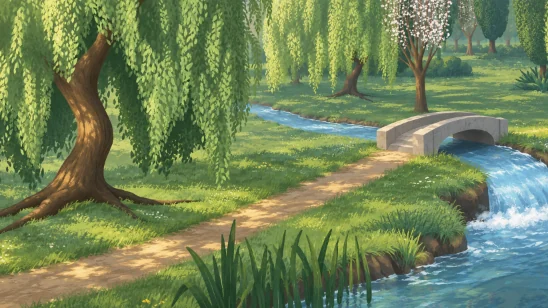
Added substantial detail, but the image became noisy and drifted from the original style. Useful as an intermediate step, with simplification still needed.
Nano Banana Pro40 credits
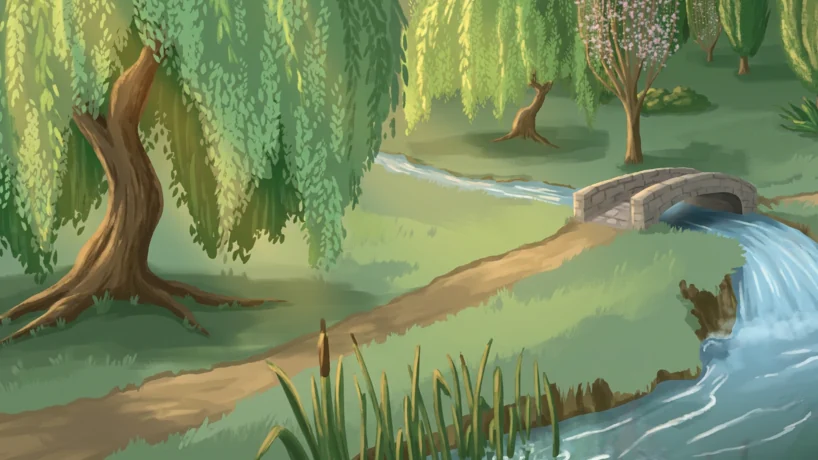
Improved the lighting and added detail while staying closer to the original style. A useful base for manual finishing, depending on the concept.
Flux.2 Pro20 credits
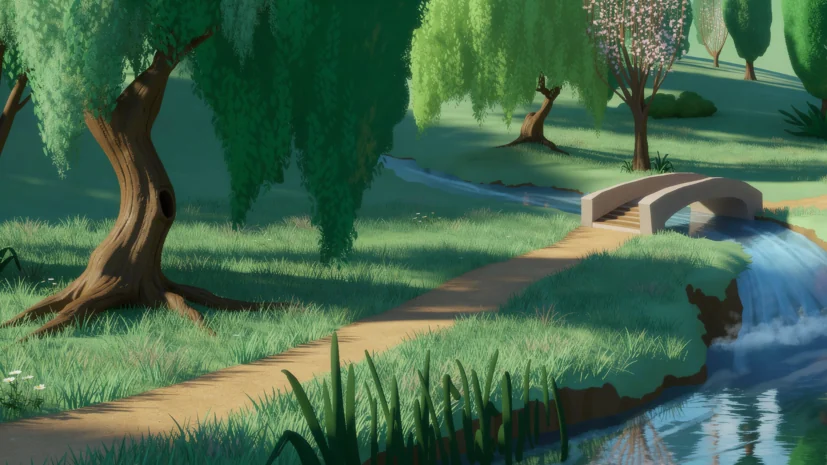
Added detail and strong lighting, but shifted toward a more three-dimensional look. Further edits would be needed to match the original style.
Lily-Pad Placement
- PromptAdd lily pads to the water, matching the existing artistic style, color palette, and texture. Blend them naturally into the scene without changing other elements.
Firefly
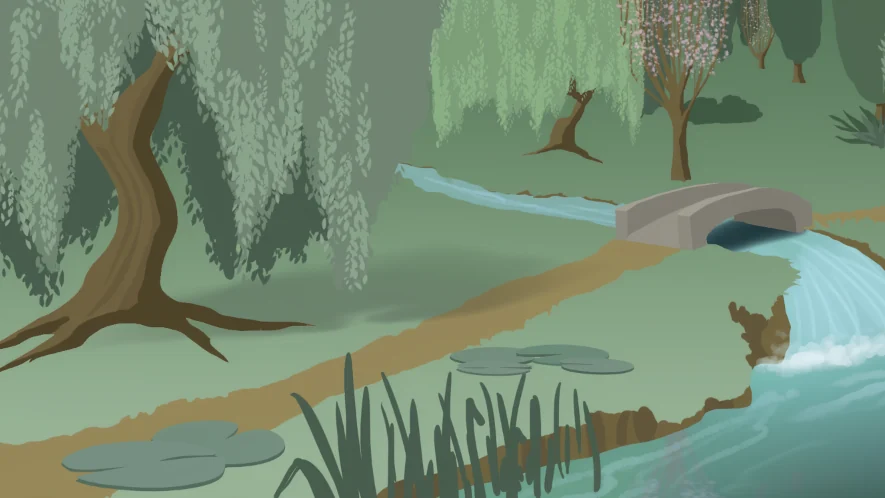
The lily pads are a very simple shape and placed in the wrong area outside the water.
ChatGPT Image 2.5 Flare
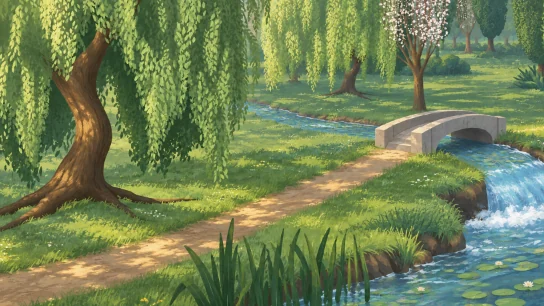
The lily pads match the generated scene’s style, but there are too many and would need to be reduced.
Nano Banana Pro
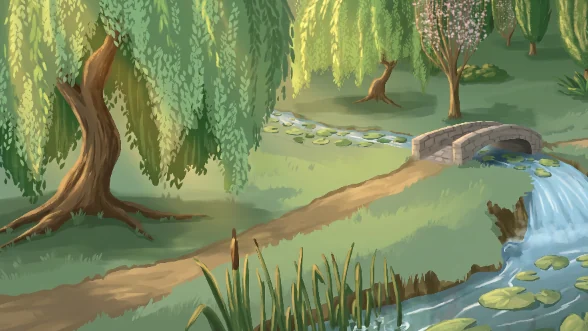
The lily pads generally match the style, but some appear outside the water and need correction.
Flux.2 Pro
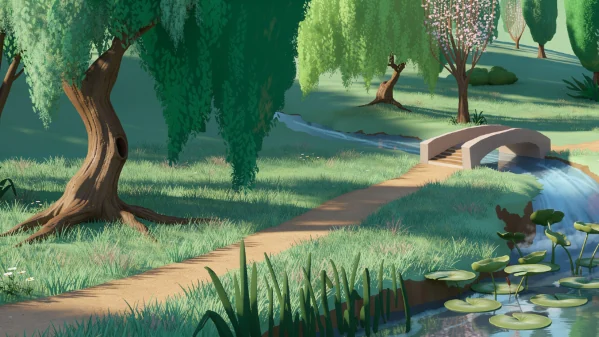
The lily pads match the scene, but some of the shapes and upright stems look unnatural. Manual edits or an earlier iteration may be preferable.
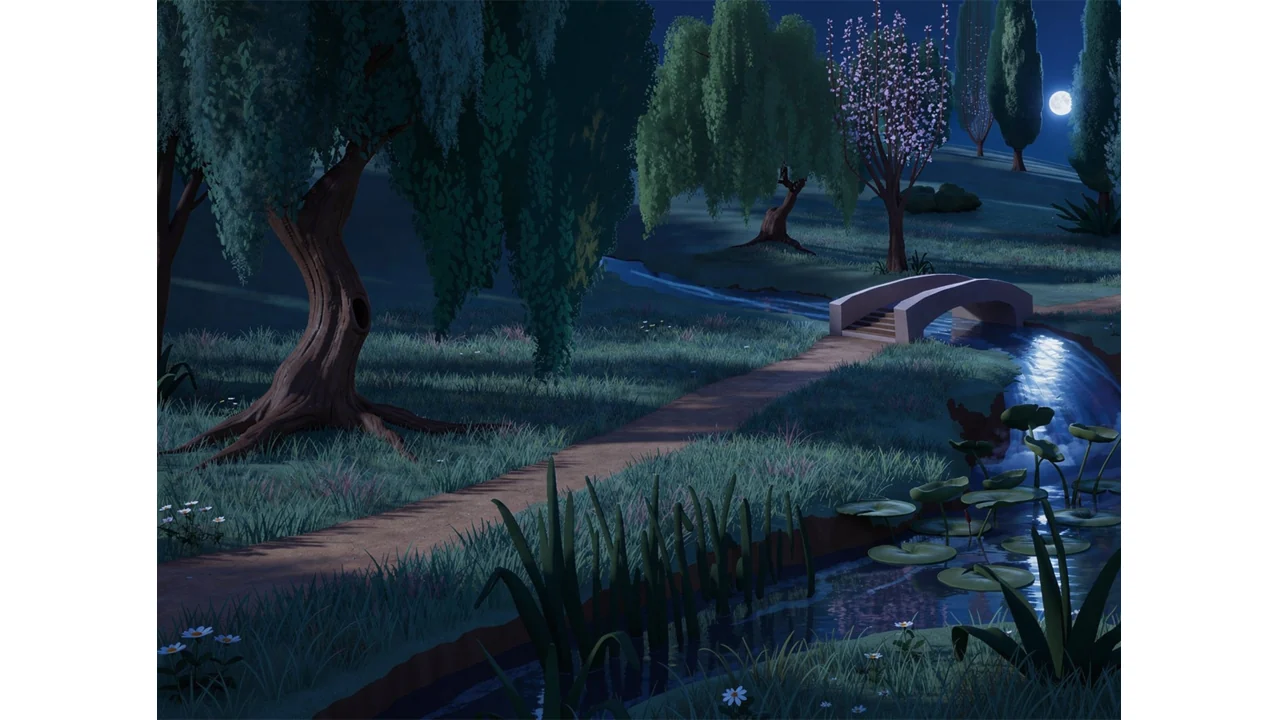
Nighttime Lighting
- PromptChange the scene to nighttime while preserving its composition and artistic style. Adjust lighting, shadows, and highlights to reflect natural nighttime illumination.
Firefly Image 5
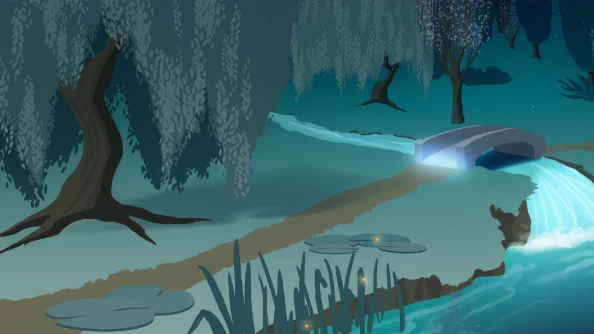
Created a nighttime scene in a similar style, but added an unusual glow around the bridge and waterfall, along with unsolicited fireflies.
ChatGPT Image 2.5 Flare
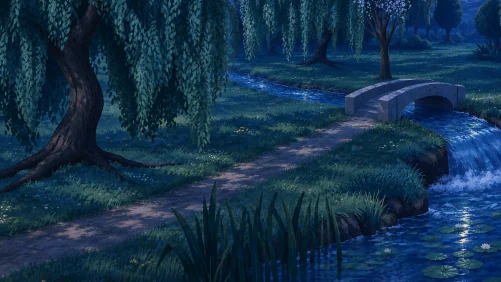
Converted the image to nighttime convincingly. Some lighting adjustments may still be needed.
Nano Banana Pro
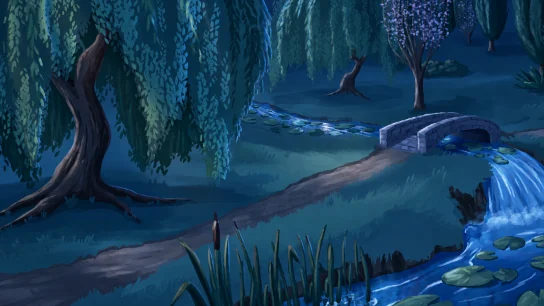
Produced a convincing night version while retaining the style. Some areas may need additional light and shadow.
Flux.2 Pro
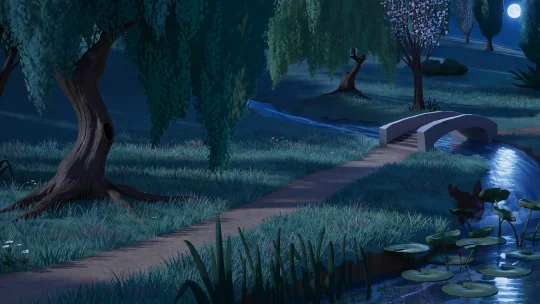
Produced a good nighttime version with a consistent style. However, the moonlight reflection crosses the waterfall as though the water were flat and needs correction.
Scene Expansion
- PromptExtend the artwork into the surrounding blank areas of the enlarged canvas. Match the original style, color palette, textures, lighting, and level of detail. Blend additions seamlessly into the existing scene without altering or reinterpreting the original artwork.
Firefly Image 5
Before
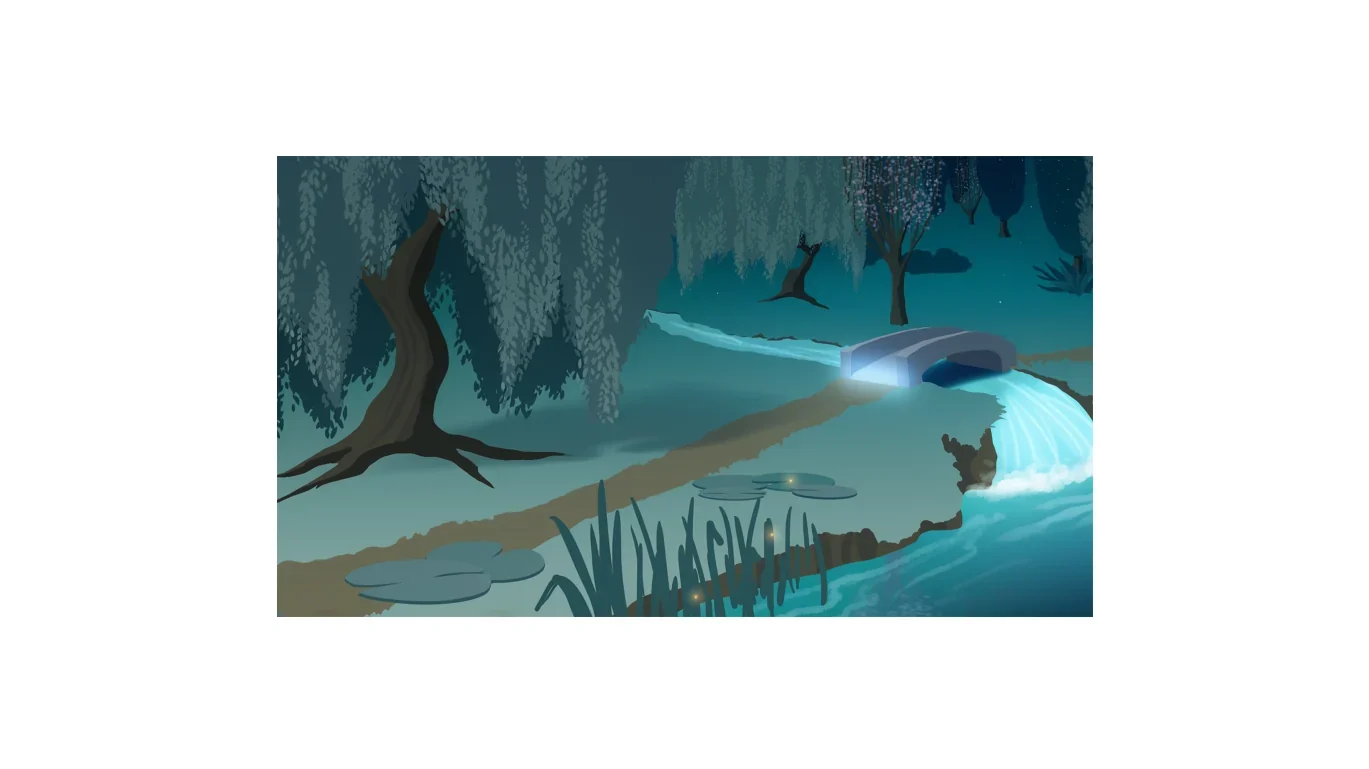
After
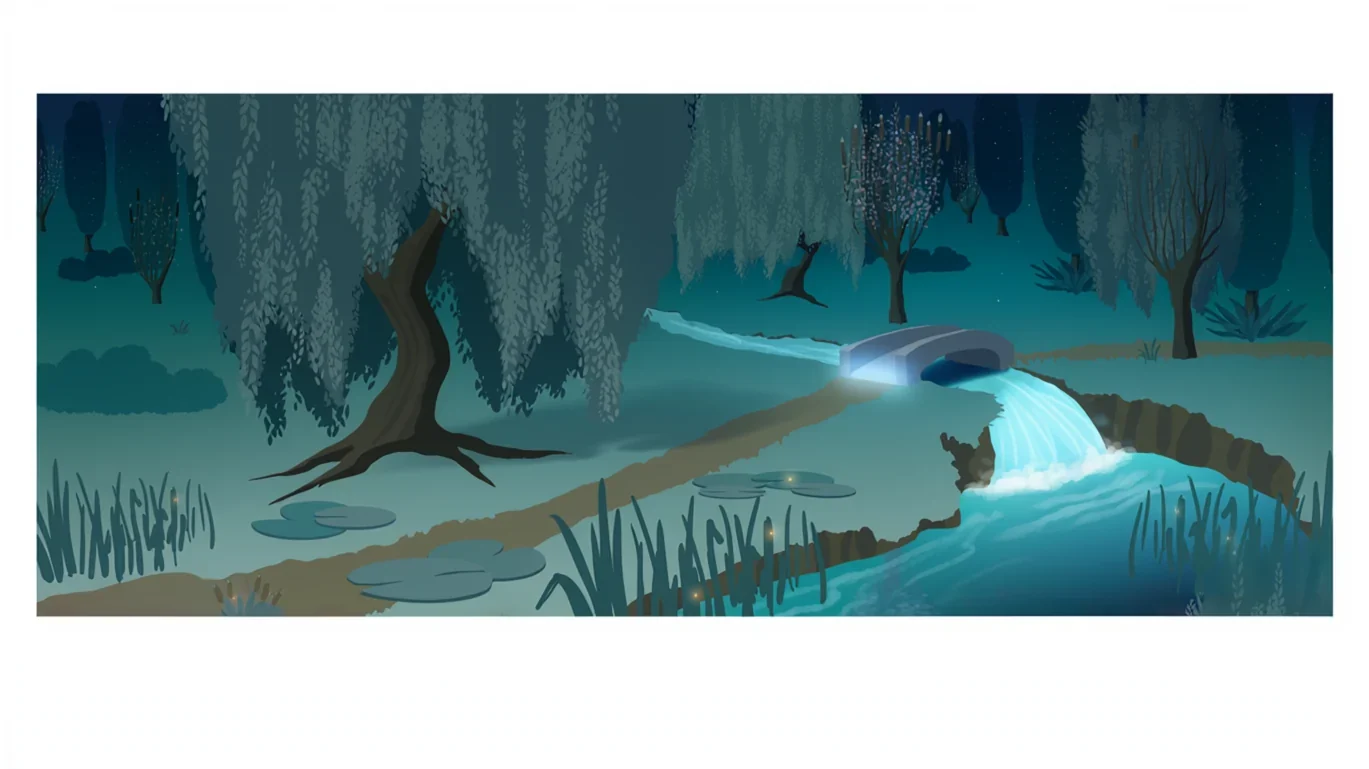
Expanded the scene to the left and right, but did not fill the full enlarged canvas.
ChatGPT Image 2.5 Flare
Before
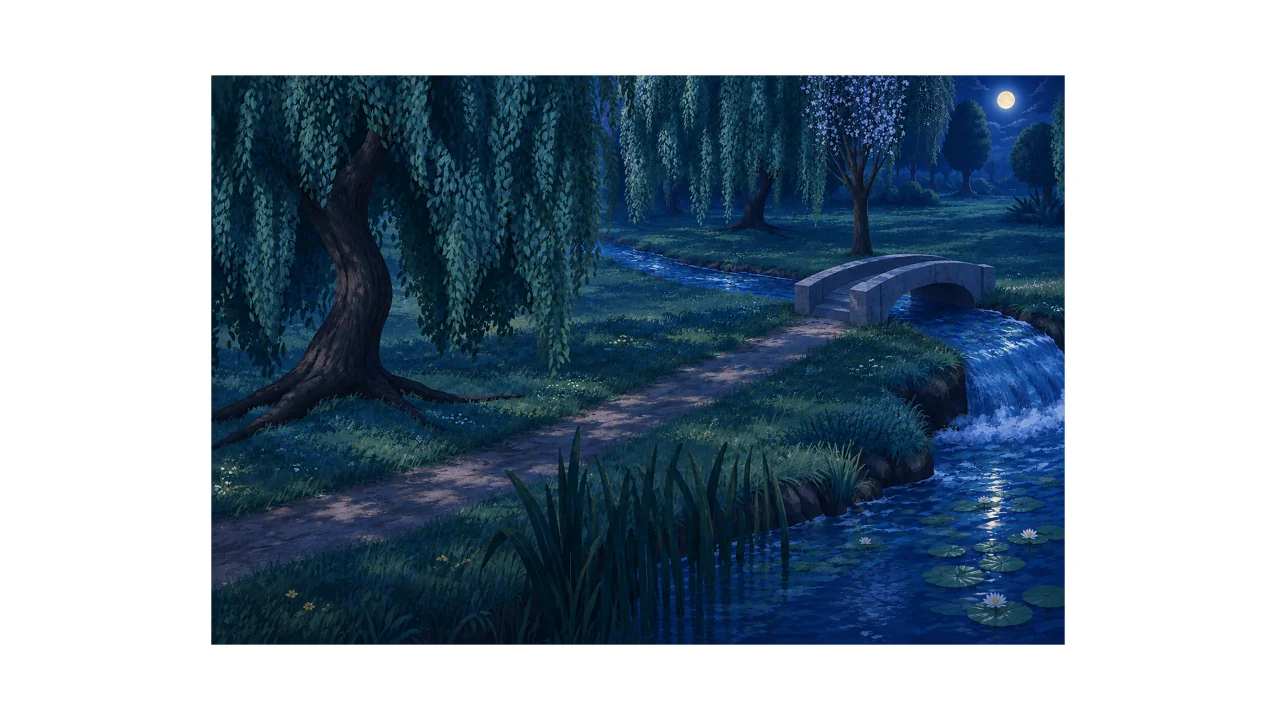
After
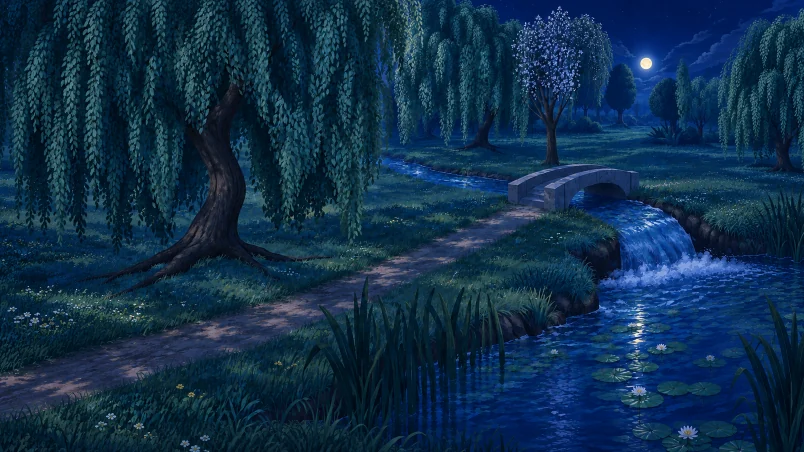
Successfully extended the scene on all sides, with additions that fit the existing image.
Nano Banana Pro
Before
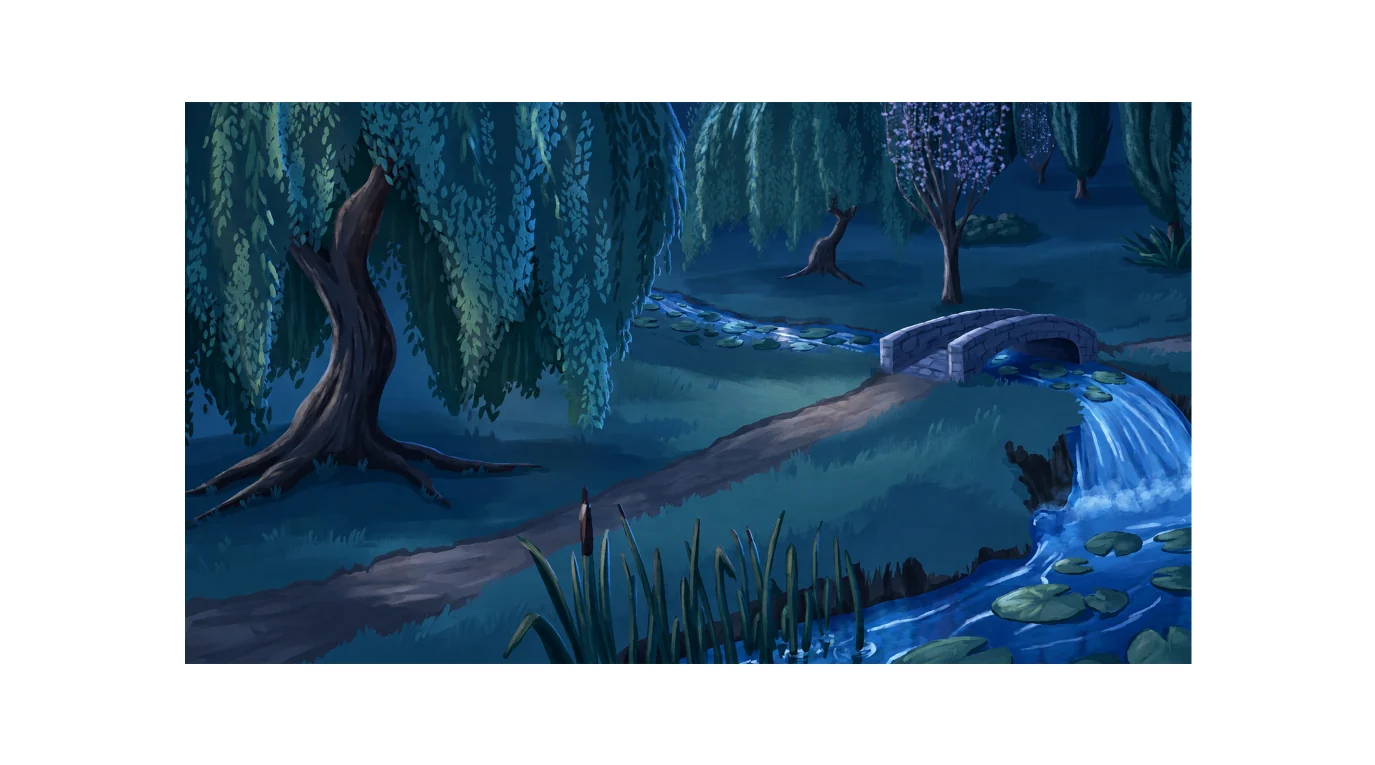
After
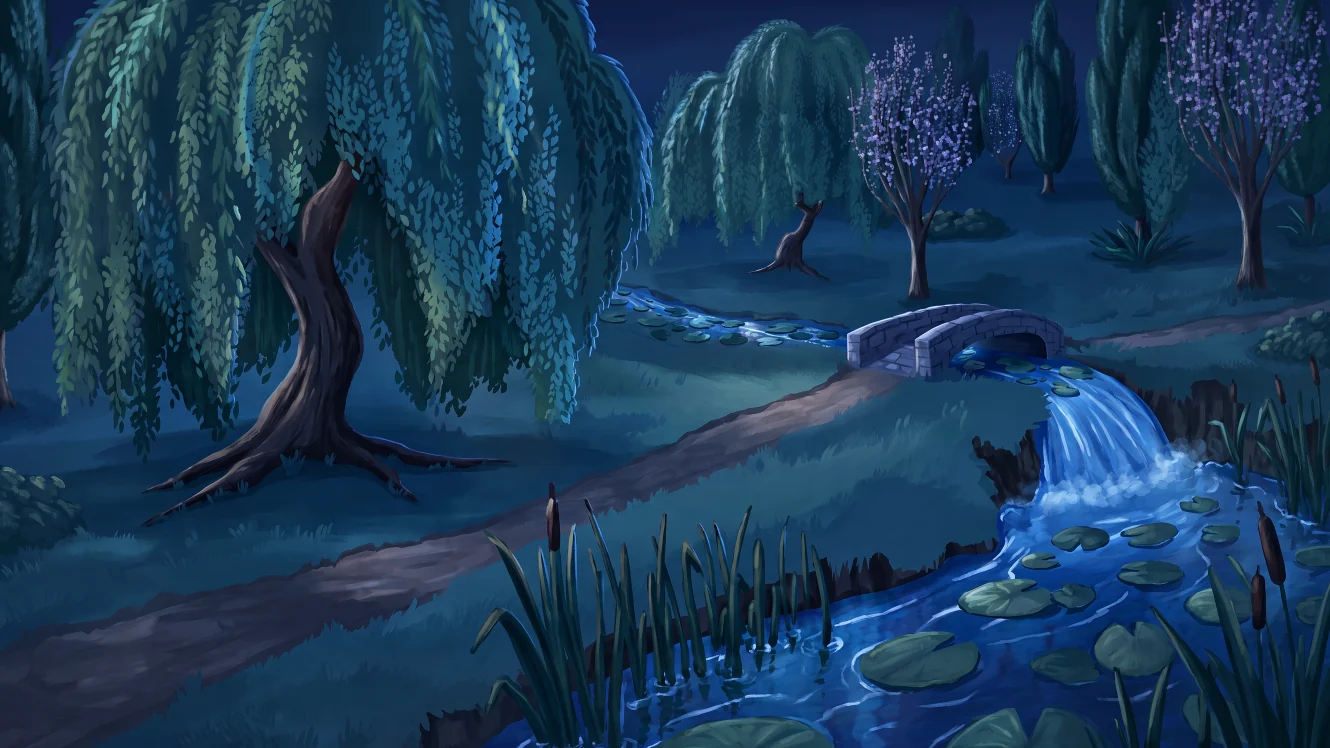
Successfully extended the scene on all sides while maintaining visual continuity from the source.
Flux.2 Pro
Before
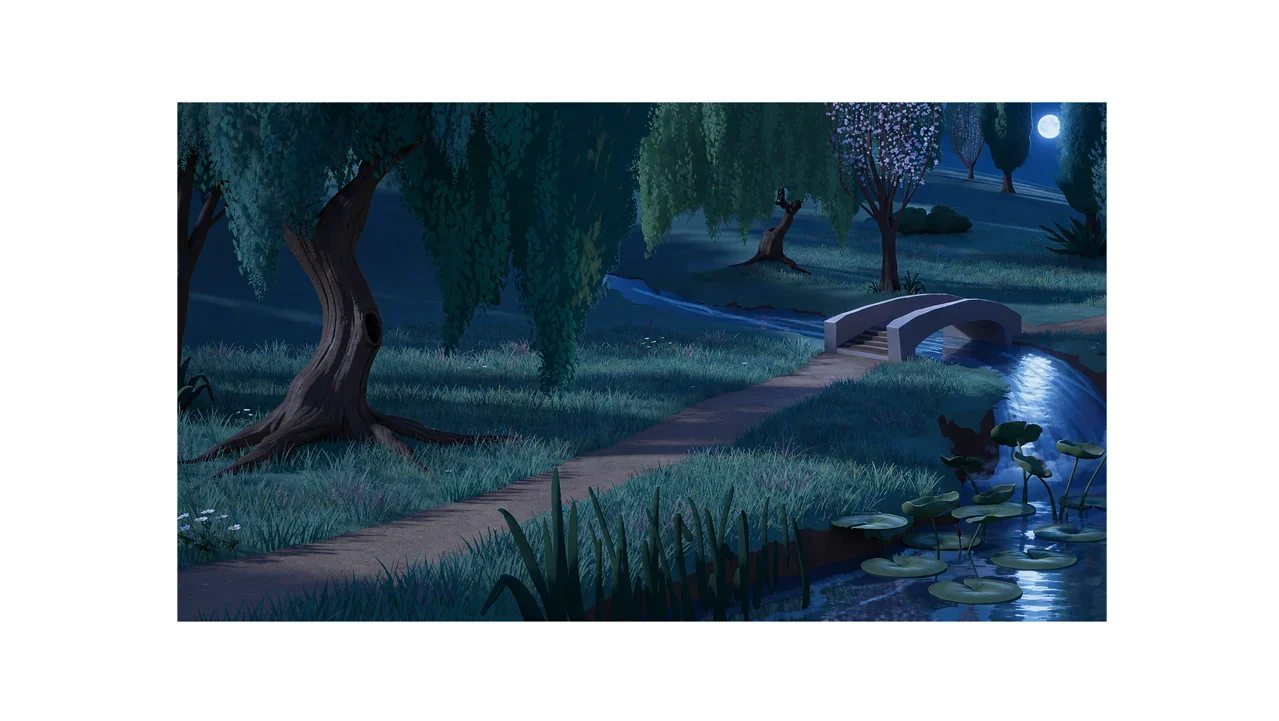
After
Preserved the style and level of detail, but extended only the top and bottom, leaving the expansion incomplete.
Key Observations
More detail did not always improve the results. Style drift, misplaced objects, lighting errors, and incomplete scene extensions required further correction. Successful outputs can accelerate an art workflow, but should be treated as intermediate steps rather than automatically finished work.
Credit usage stayed the same or decreased with subsequent iterations. This may reflect differences in the prompts or a higher upfront cost compared with making repeated changes; the cause was not confirmed.
